✨ New Arrivals Just Dropped!Explore

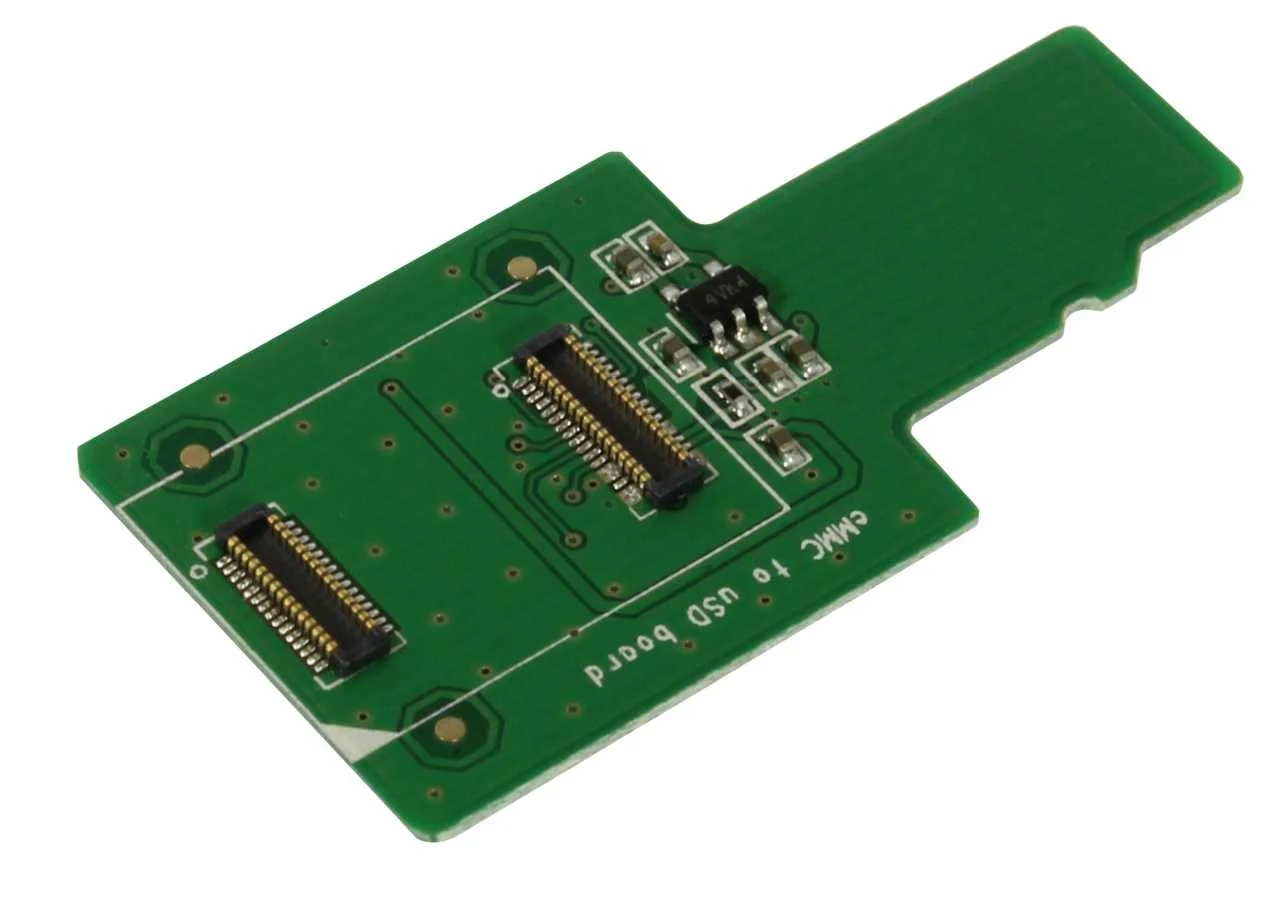
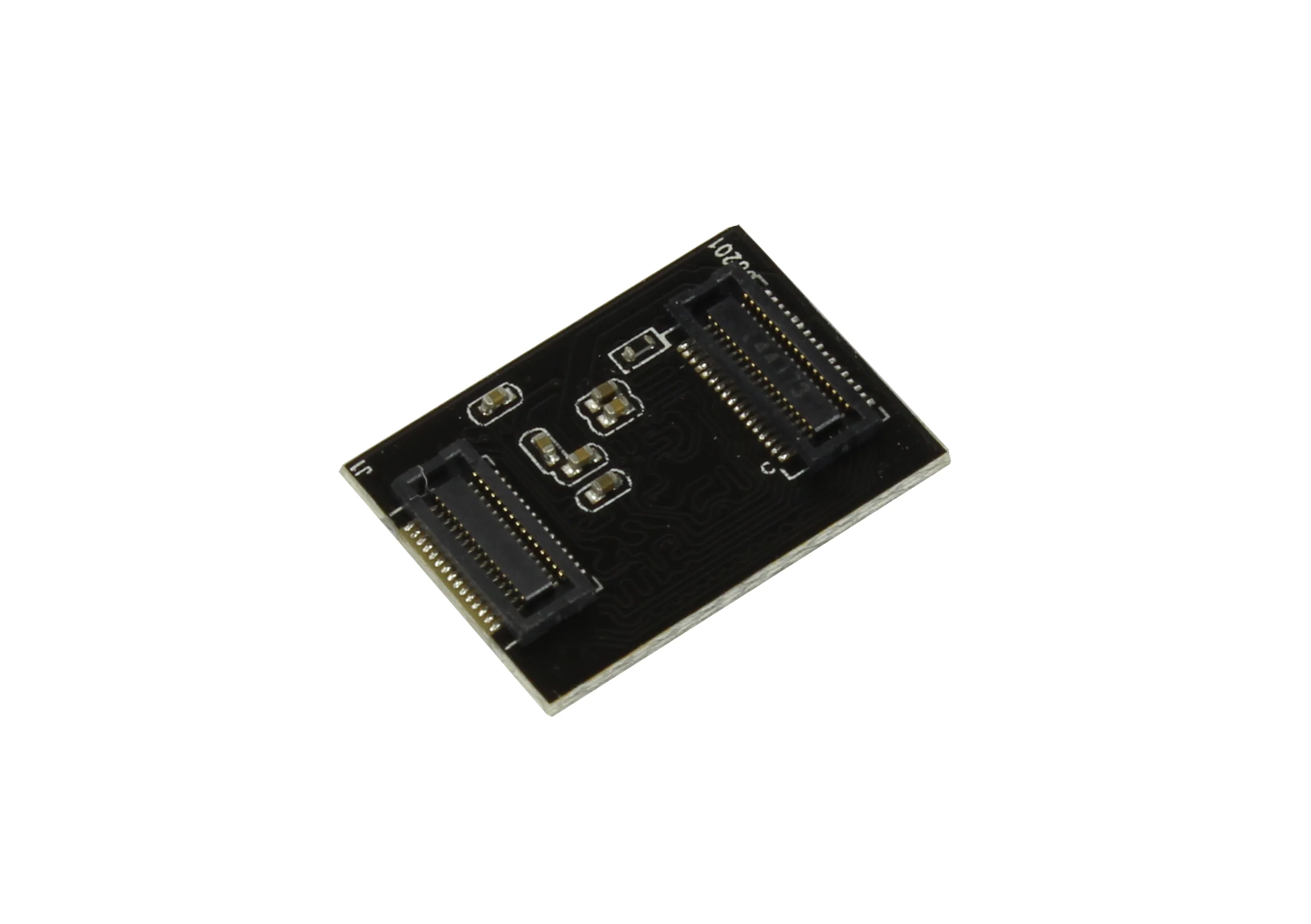
eMMC to uSD board
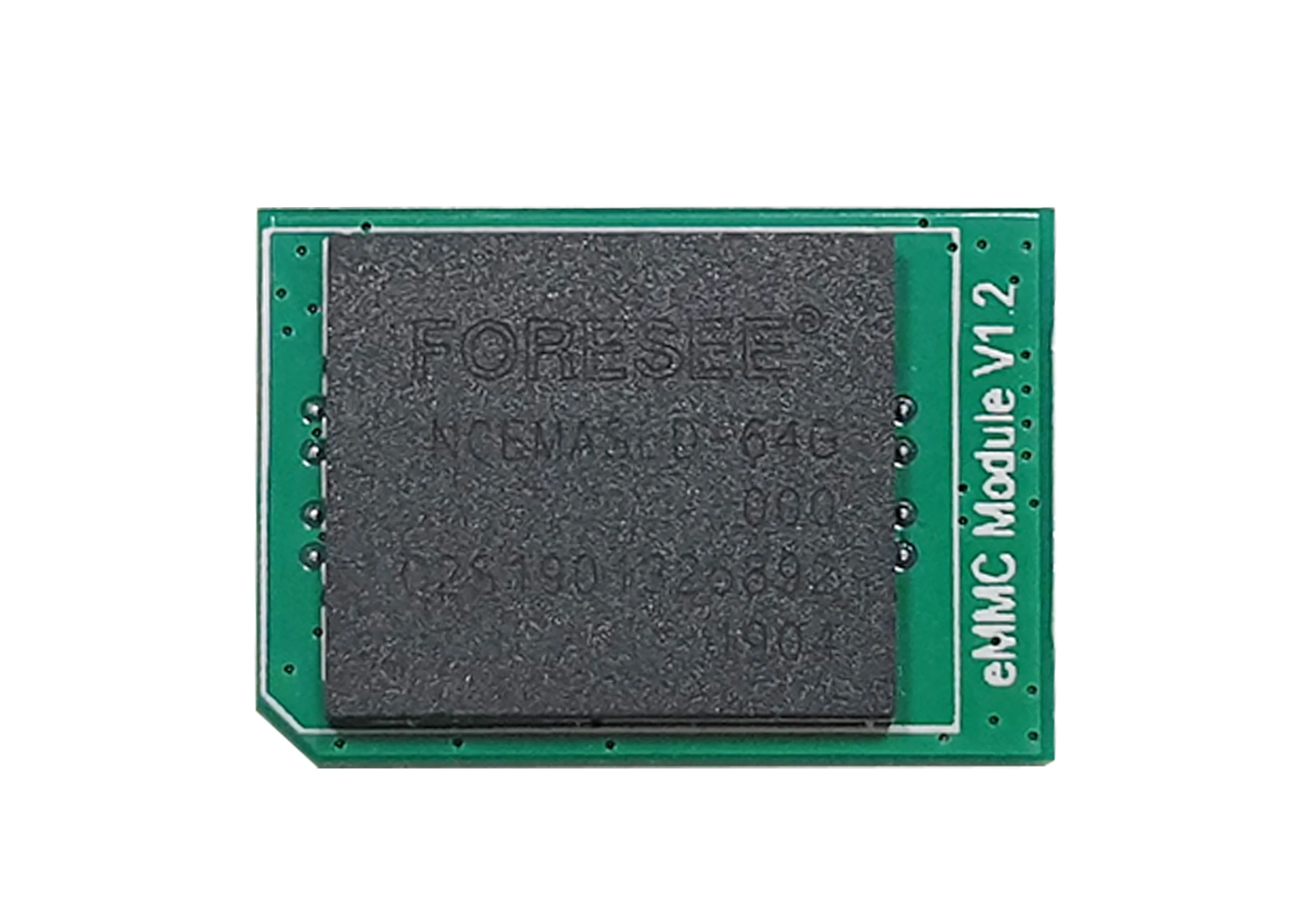
eMMC to uSD (micro SD) adapter board for effortless flashing SW images on to eMMC modules.
Steps:
- Click the eMMC module on to the adapter board.
- Use a micro sd card reader and insert the adapter board with the mounted eMMC module.
- Plug the micro sd card reader into your computer. (the eMMC module will appear as device in your storage manager)
- Now flash the software image on to the eMMC module.
Balena Etcher is a very convenient tool for flashing the image on to the eMMC.
$1.95
eMMC to uSD board—
$1.95
eMMC to uSD board
eMMC to uSD (micro SD) adapter board for effortless flashing SW images on to eMMC modules.
Steps:
- Click the eMMC module on to the adapter board.
- Use a micro sd card reader and insert the adapter board with the mounted eMMC module.
- Plug the micro sd card reader into your computer. (the eMMC module will appear as device in your storage manager)
- Now flash the software image on to the eMMC module.
Balena Etcher is a very convenient tool for flashing the image on to the eMMC.
Product Information
Product Information
Shipping & Returns
Shipping & Returns
Description
eMMC to uSD (micro SD) adapter board for effortless flashing SW images on to eMMC modules.
Steps:
- Click the eMMC module on to the adapter board.
- Use a micro sd card reader and insert the adapter board with the mounted eMMC module.
- Plug the micro sd card reader into your computer. (the eMMC module will appear as device in your storage manager)
- Now flash the software image on to the eMMC module.
Balena Etcher is a very convenient tool for flashing the image on to the eMMC.